

Keep your time
with plants, in photos
Add a photo and a few words, and your days
with your plants line up in a timeline.

For iPhone · Free to start
All your plants,
in one timeline
Just a photo and a few words.
Look back later, and you’ll see the time you’ve spent together.
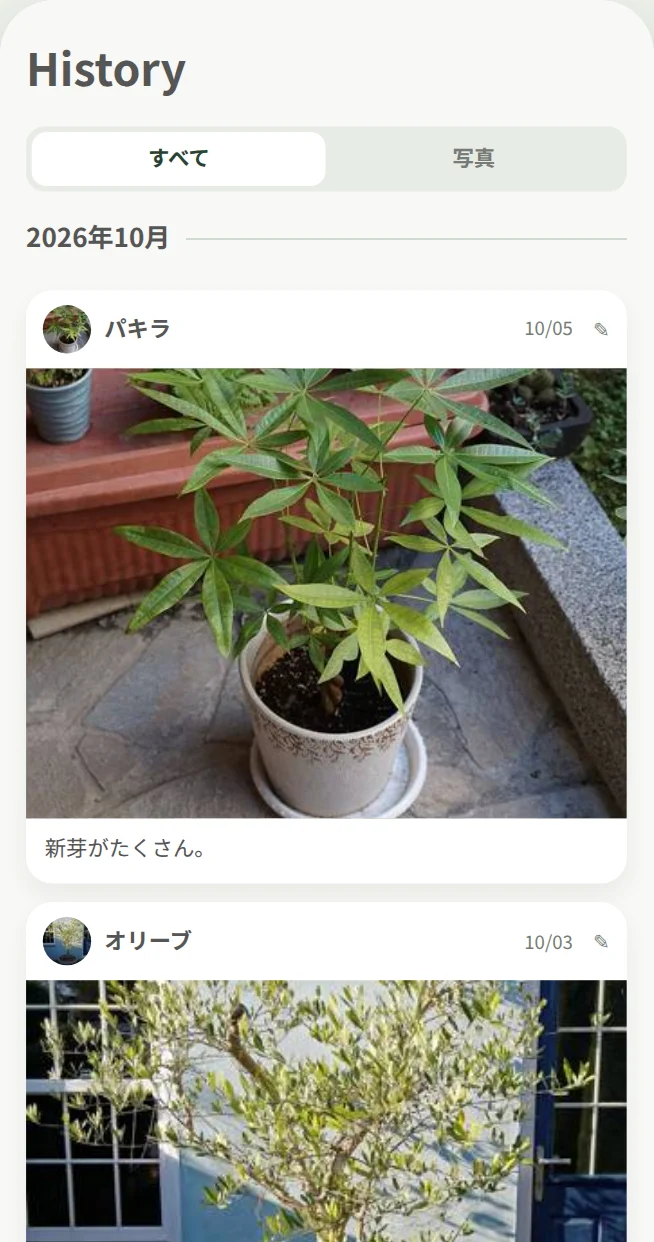
Meet your plants on any day
Records from all your plants, in date order. Filter to photos only, or find a day from the calendar.
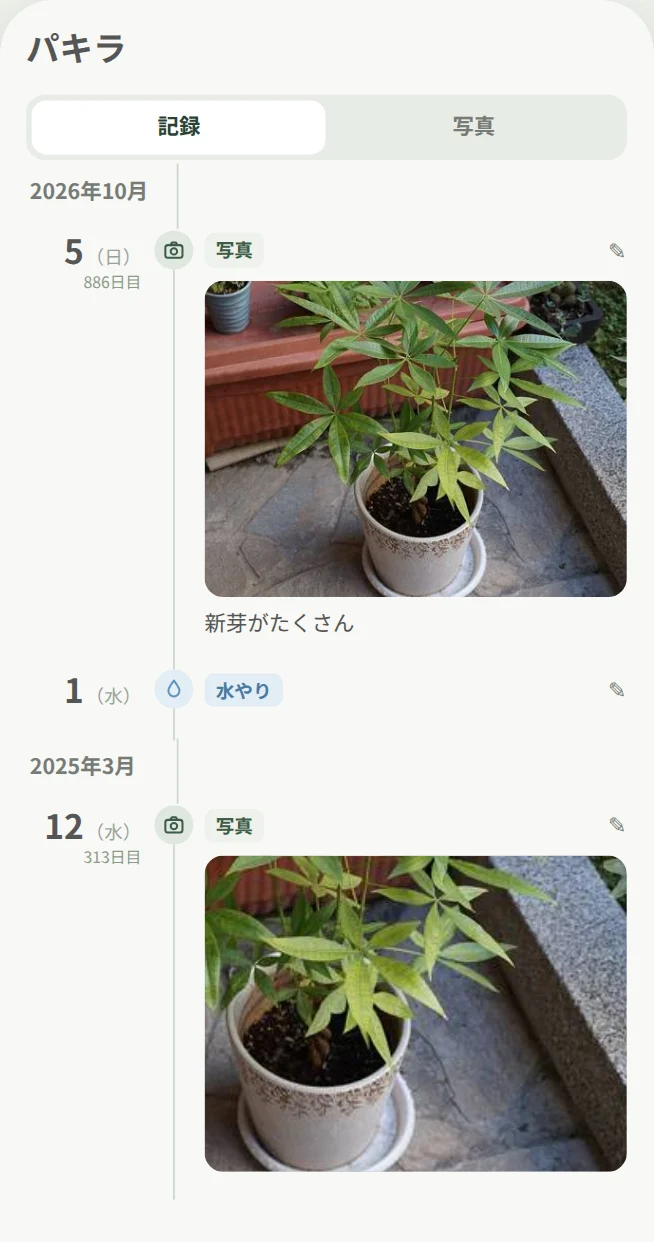
Follow each plant as it grows
Each plant has its own timeline, with the days since it came home. Old photos from your library go right where they belong.
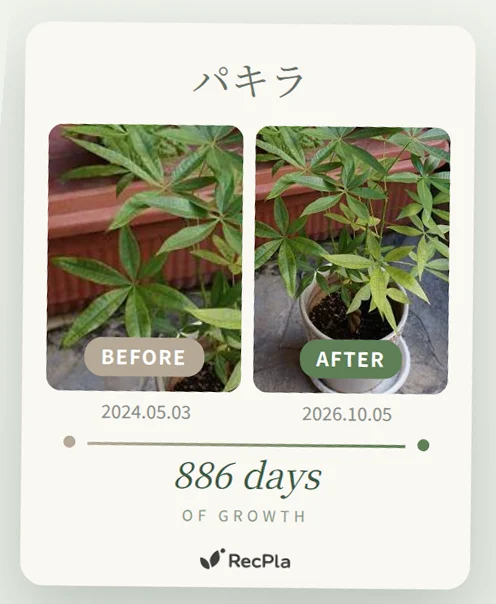
“Look how much it’s grown” on one card
A Growth Comparison card with before and after, side by side. Save it to Photos or share it.
Log everyday care, too
From watering to pest control, in just a few taps.
 Photo & Note
- Watering
- Fertilizer
- Repotting
- Pruning
- Pest Control
 Photo & Note
 Watering
 Fertilizer
 Repotting
 Pruning
 Pest Control
You can also keep the fertilizer or treatment you used, and the pot size when you repot.
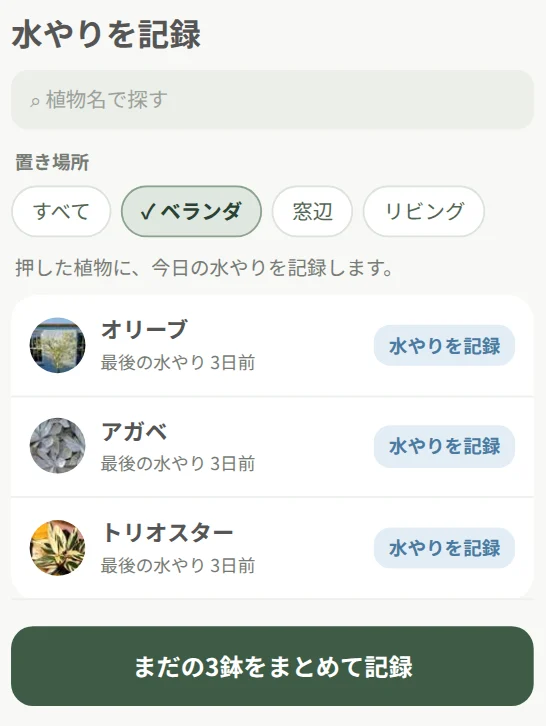
Water a whole group at once
Filter by place or tag, then log the plants that still need water, all at once.
A morning reminder on care days
Set how often, and get one reminder a day when care is due. Choose the time, and turn each kind on or off.
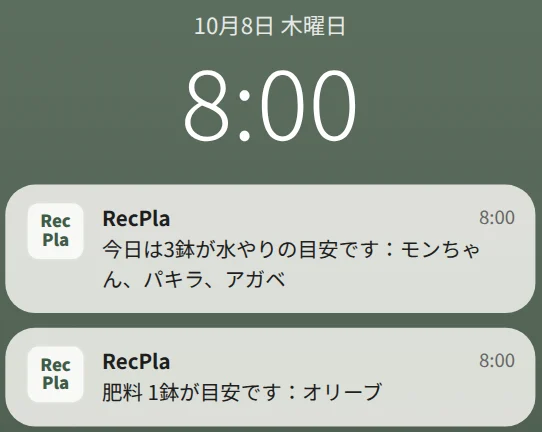
One reminder a day, on the morning care is due
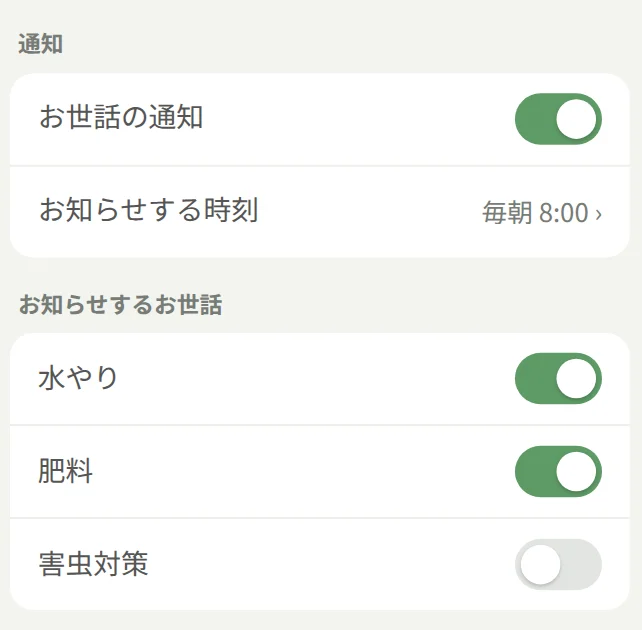
Turn reminders, the time, and each kind on or off in Settings
And more
- Plant Scenes
- Items
- Plant Profiles
- Search & Sort
- Favorites
- Past Plants
Your records stay on your iPhone
Made so you can use it with peace of mind, for years to come.
- Saved on your iPhoneYour records and photos are never sent anywhere
- No accountDownload and start right away
- No adsEnjoy your plants without interruptions
- BackupBring your records to a new iPhone
- Delete anytimeErase all your data at once
- English and 日本語Matches your iPhone’s language
Pricing
Every feature, free.
Growing a lot? Remove the limit with a single purchase.
RecPla Free
Free
- Every feature
- Up to 5 plants and items in total
- Unlimited records and photos
RecPla Plus ✦
One-timepurchase
- Every feature
- Unlimited plants and items
- Family Sharing supported
RecPla Plus is an in-app purchase. No monthly or yearly payments.
The price varies by country or region; you can see it in the App Store.
The story behind RecPla
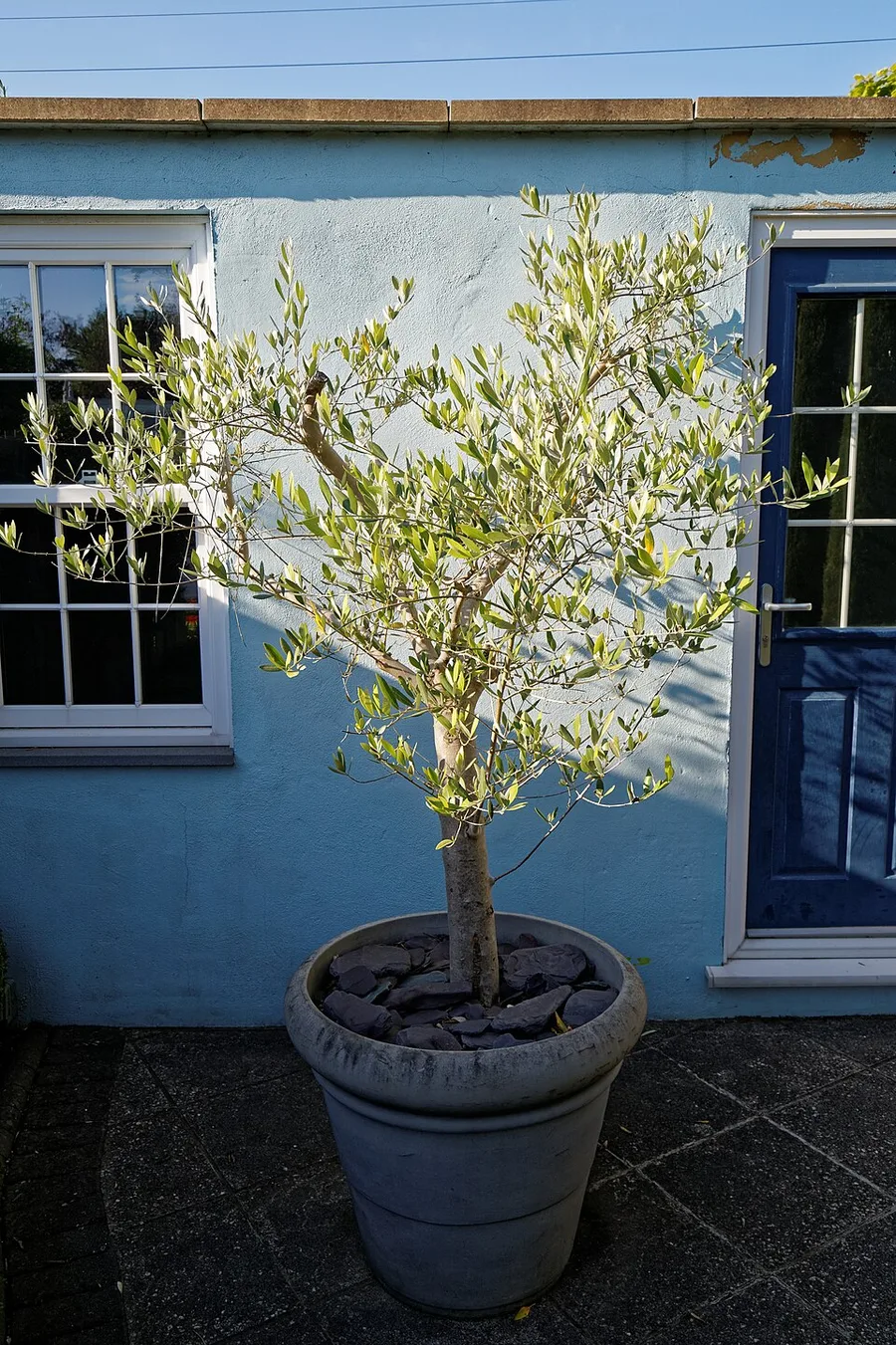
It all started
with one plant.
“It might look nice in my room.”
That simple thought was how I brought home my first plant.
Watching it every day, I’d notice a new leaf unfurling, or that it had grown just a little taller. Before I knew it, spotting those small changes had become something I looked forward to.
With each new plant, there was a little more to look forward to every day. And before long, I’d taken a lot of photos.
What if I could look through those photos like a timeline, a record of how the plants I live with have grown? What if I could look back on the days we’ve spent together, and enjoy that slow, quiet time?
That’s how RecPla was born.
Questions
How do I move to a new iPhone?
On your current iPhone, go to Settings, choose Export Backup, and save the file. Install RecPla on your new iPhone, then choose that file in Settings > Restore from Backup. Your plants, records, and photos all come back together.
I’m not getting reminders
Check that notifications for RecPla are on in the iPhone Settings app, that Care Reminders and the kinds of care you want are on in RecPla’s Settings, and that the plant has a care schedule (every few days) with that care recorded at least once. Reminders arrive once a day, on the morning care is due.
How do I get RecPla Plus back without buying it again?
In Settings, under Plan, tap “Already purchased? Restore.” If you’re signed in with the Apple ID you used to buy it, RecPla Plus comes back at no charge. Family Sharing members can do the same.
Which iPhones are supported?
iPhones running iOS 16.4 or later. The app is available in English and Japanese.
Your days with plants start today.
For iPhone · Free to start